Top 7 Alternatives of ProcessMaker
Teams often switch from ProcessMaker when workflow approvals stall and audit evidence stays scattered across three systems. Some tools cap custom fields at 20 per form while others bury policy updates behind two login layers. Both problems surface once user counts exceed a few dozen.
By the last section you will see exactly which six alternatives address those limits and why the seventh option, Process Street, scores highest when automation, policy control, and audit logs must live in one workspace. The comparison uses the checklist in the next section so you can match each platform to your current approval bottlenecks and compliance requirements.
What to Look For in ProcessMaker Alternatives
Evaluate alternatives by checking automation depth, compliance coverage, integration options, and total cost of ownership.
Selecting the right workflow automation tool starts with verifying BPMN 2.0 support. Look for a visual designer that allows drag-and-drop process modeling while maintaining standard notation compatibility across teams and departments.
Next, examine the native connectors count and API coverage. A comprehensive integration platform should connect with common business applications without requiring custom development for each new connection.
Review audit-trail granularity along with SOC 2 and ISO 27001 evidence. Detailed logging helps track process changes, while recognized certifications demonstrate commitment to security standards in business process management.
Understand the pricing model before committing. Some BPM software options charge per user while others base costs on workflow volume or process complexity, affecting total expenses as usage grows.
Consider self-host versus cloud residency options. Self-hosted solutions provide data control, while cloud platforms offer faster deployment and automatic updates for your automation platform.
Finally, check average customer onboarding time reported in case studies. Faster implementation reduces disruption to existing approval workflows and accelerates your digital transformation timeline.
1. Process Street - Best Overall
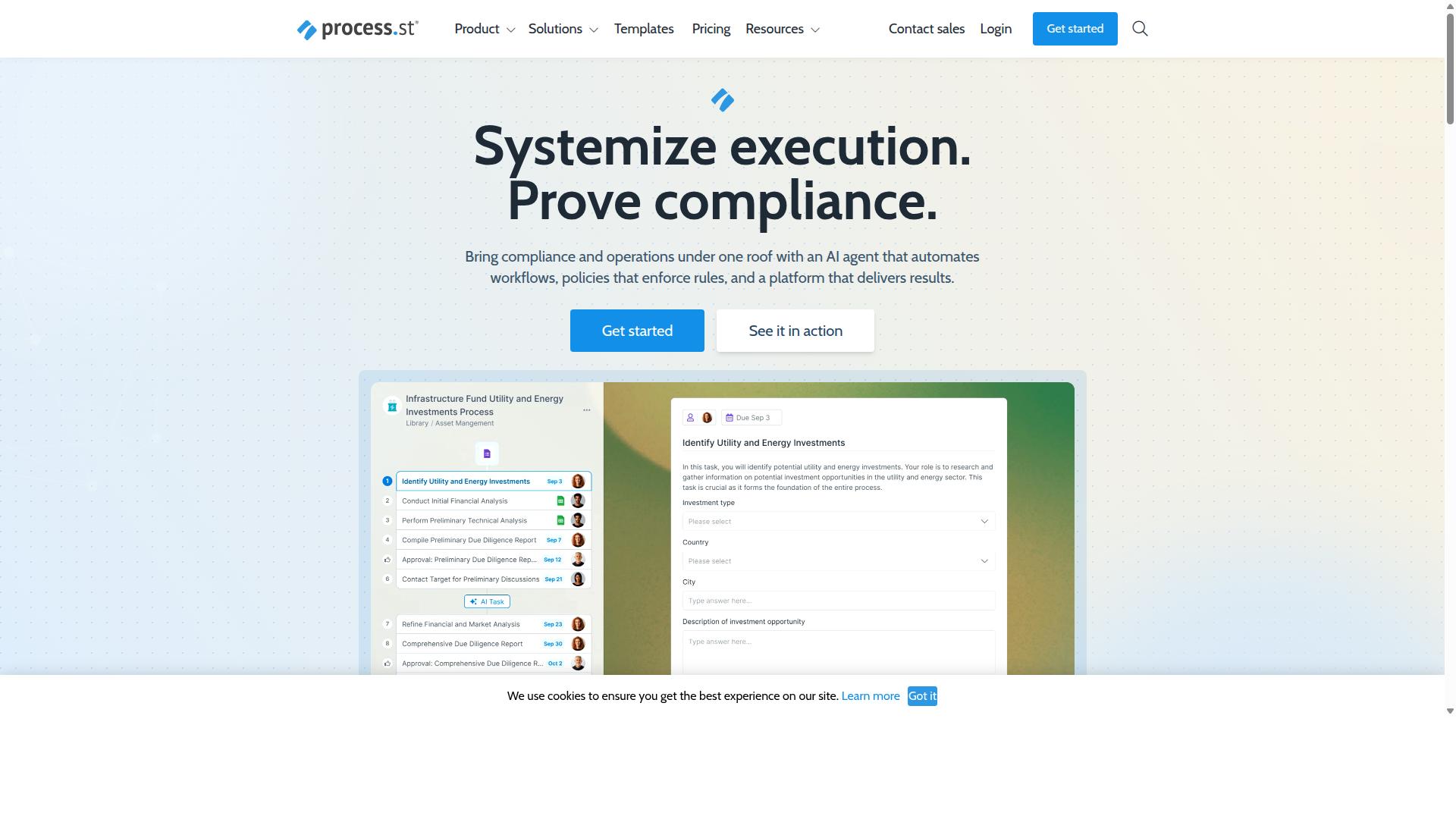
Process Street stands out for teams that need both workflow automation and audit-ready documentation.
Organizations moving from ProcessMaker often seek a platform that combines process automation with regulatory compliance in one system. The platform delivers this through three distinct capabilities that address both operational efficiency and governance requirements.
Workflow automation converts manual processes into repeatable digital workflows. Policy enforcement ensures consistent execution across teams. Evidence collection generates documentation needed for audits without additional manual effort.
These features address common challenges when scaling business process management beyond basic workflow tools. Teams gain visibility into process execution while maintaining the records required for ISO 9001, SOC 2, SOX, and FDA compliance.
Workflow Automation and Policy Enforcement
Process Street converts static policies into AI-assisted tasks that run automatically.
Conditional logic routes tasks based on responses and conditions defined in each workflow. This ensures the right person receives the right task at the right time without manual intervention.
Real-time dashboards show SLA breaches as they occur. Teams can identify delays before they impact deadlines or customer commitments.
Automatic task reminders trigger escalation paths when deadlines approach. This mechanism reduces missed tasks and maintains accountability across distributed teams.
These features replace the manual oversight required in traditional business process management systems while adding enforcement capabilities that many platforms lack.
Compliance and Documentation Tools
Docs centralizes policy versions and links each clause to active workflows.
Immutable document versioning maintains a complete audit trail of policy changes. Each version stays accessible for compliance reviews and regulatory inquiries.
Clause mapping connects specific policy requirements to control points within workflows. This creates direct traceability between documented requirements and operational execution.
One-click audit pack exports compile required documentation for ISO 9001, SOC 2, SOX, and FDA audits. Teams reduce hours of manual evidence gathering into a single automated process.
This approach addresses the documentation burden that often accompanies workflow automation implementations in regulated industries.
Pricing and Plans
Three subscription tiers scale from startups to global enterprises.
The Startup plan includes 5 users, 100 automation actions per month, and up to 5,000 Data Set records. This tier suits teams testing workflow orchestration capabilities with limited scale requirements.
The Pro plan removes user and action limits while supporting up to 10,000 Data Set records. Custom user counts and automation volumes accommodate growing teams with expanding process automation needs.
The Enterprise plan adds SSO, custom data residency options, unlimited Public API access, and a dedicated Success Manager. Annual billing includes process consulting, health audits, and personalized team training.
A 14-day free trial on the Pro plan allows evaluation without upfront commitment. No credit card is required to start testing the platform capabilities.
2. Vanta
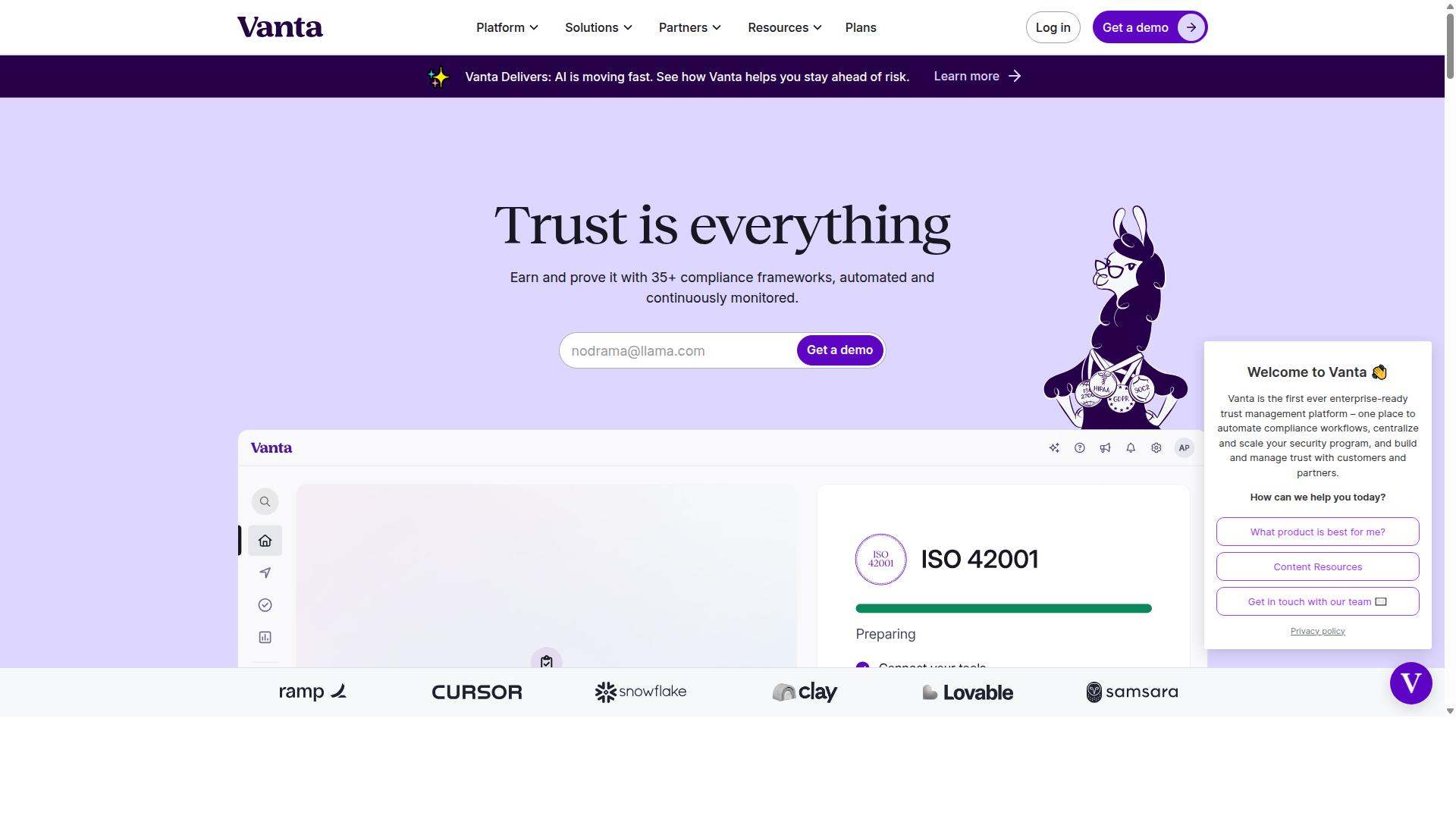
Vanta focuses on continuous compliance monitoring rather than full business-process orchestration.
This platform emphasizes automated evidence collection across more than 400 integrations. Organizations use it to gather security and compliance data without manual intervention. The system pulls information from cloud services and internal tools on a regular schedule.
Automated evidence collection reduces audit preparation time. Teams receive continuous updates on control status rather than periodic snapshots. This approach helps maintain certifications such as SOC 2 and ISO 27001.
Integration breadth with cloud providers covers major services used by startups through enterprise teams. Healthcare, fintech, and government sectors appear as primary user groups. Vanta connects with these environments to monitor security posture across accounts.
The platform offers limited native workflow or case management features. Users who need complex approval workflows or task routing often combine Vanta with separate tools. This gap keeps the focus on compliance automation rather than general business process management.
Teams evaluating alternatives to ProcessMaker should weigh their need for compliance automation against broader workflow orchestration requirements. Vanta serves organizations prioritizing audit readiness and continuous monitoring.
3. Diligent
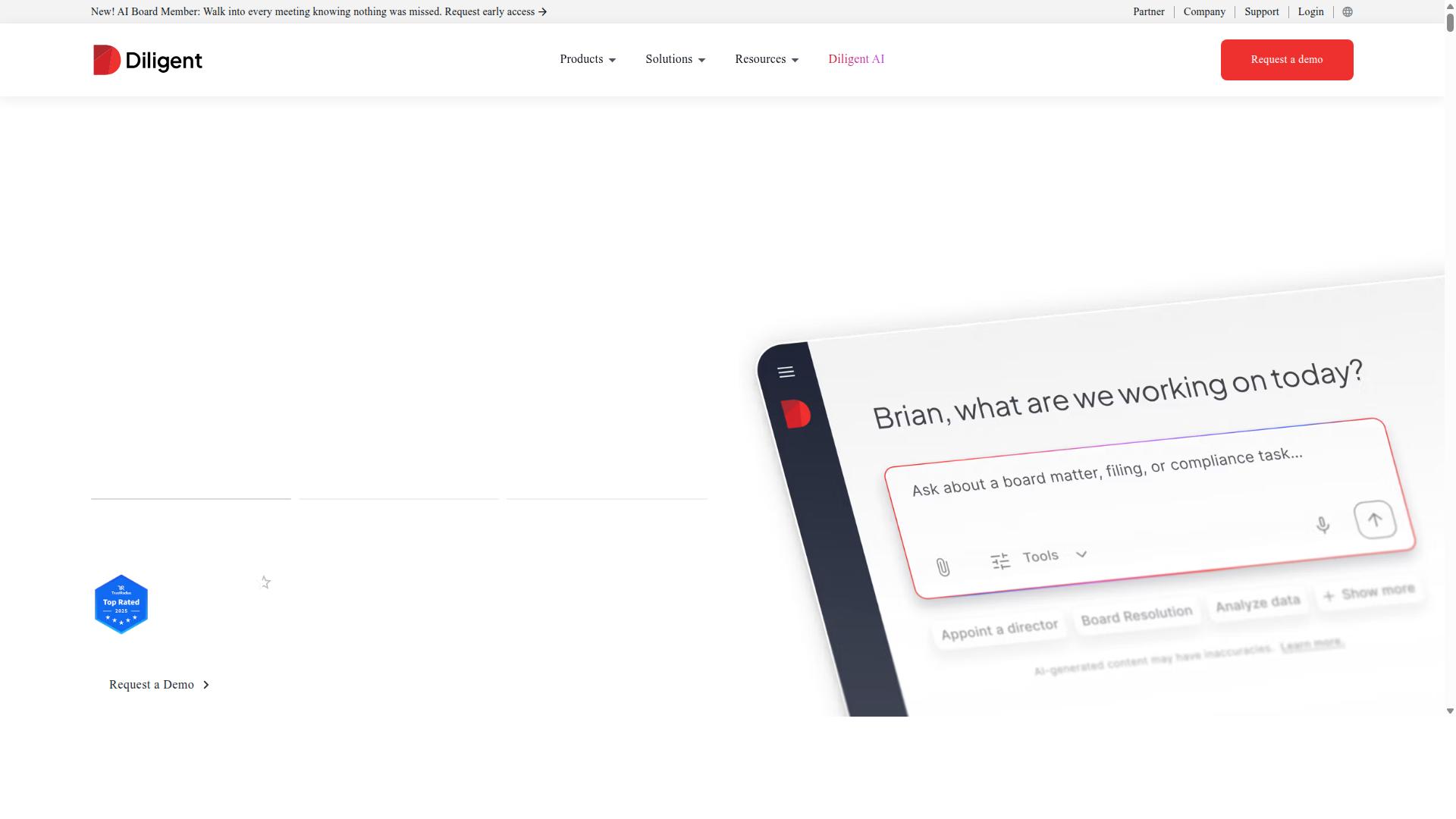
Diligent targets board-level governance with strong audit-trail features but limited day-to-day task automation. The Diligent One Platform focuses on centralizing board management and GRC activities rather than broad workflow automation.
Policy Manager serves as the core policy-management repository. Users can store, update, and track policy documents across multiple departments and subsidiaries.
Diligent Boards delivers board-portal capabilities for meeting preparation and secure document distribution. BoardEffect extends these tools for nonprofits and higher education institutions.
The platform lacks BPMN design capabilities and AI task routing features. Organizations seeking advanced process modeling or automated routing may need to pair Diligent with separate BPM software.
Target users include General Counsel, Corporate Secretaries, C-Suite executives, Risk Managers, Compliance Officers, and Internal Auditors. The system supports public companies, private companies, nonprofits, education, and local government across financial services, healthcare, energy, and government sectors.
Additional modules address third-party risk, conflict of interest tracking, and internal audit processes. Diligent Market Intelligence provides shareholder activism, executive compensation, and ESG data for informed governance decisions.
4. Scrut Automation
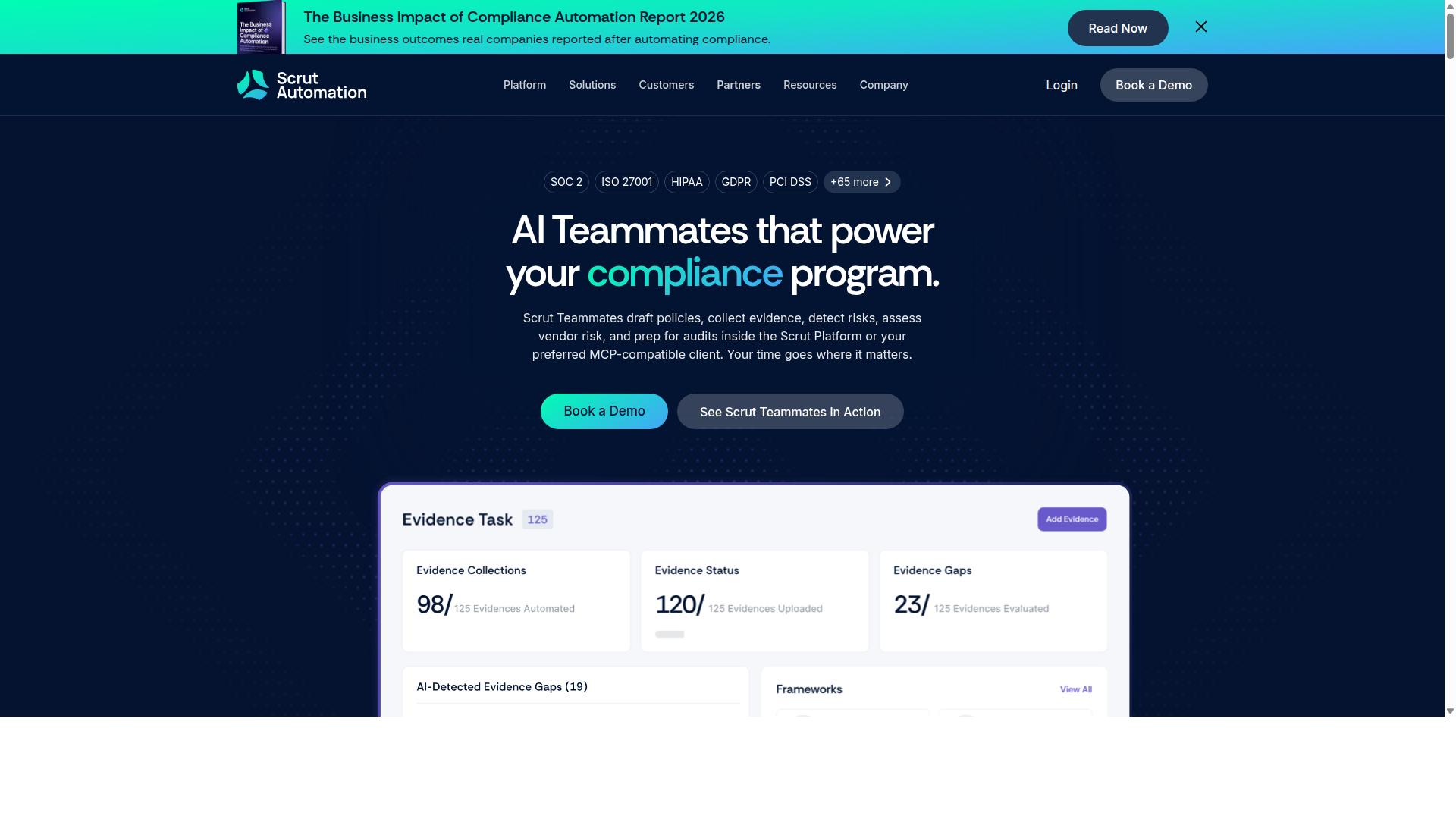
Scrut offers lightweight compliance automation for startups but lacks advanced workflow orchestration. The platform focuses on evidence collection and policy management rather than comprehensive business process management capabilities.
Questionnaire-based evidence gathering forms the core of Scrut's approach. Users answer structured questions about their security controls, policies, and procedures. This method works well for initial compliance assessments.
However, the platform does not include BPMN modeling tools. Organizations that need visual process mapping or complex workflow diagrams may find this limitation significant when evaluating business process management options.
Scrut also lacks deep API functionality compared to enterprise workflow automation platforms. Integration with existing business systems requires additional development work and custom solutions.
Enterprise SSO capabilities are not featured in the platform. Companies with complex authentication requirements or multiple identity providers may need to explore additional solutions for seamless user access management.
5. Nintex
Nintex provides strong SharePoint-centric workflow design with drag-and-drop forms. The platform combines document generation and robotic process automation in a single suite that works across cloud and self-hosted environments. Organizations in government, financial services, and healthcare use these tools for contract management and compliance tasks.
The form builder includes template libraries and conditional logic that support data collection across multiple departments. Users can create intake forms that automatically route approvals through finance, HR, and sales teams. This approach reduces manual handoffs between systems and departments.
Robotic process automation add-ons handle repetitive desktop tasks such as data entry and file transfers. Nintex connects these automations with broader workflow orchestration, allowing teams to link human approvals with system-level operations. The platform supports both Salesforce and Microsoft environments for organizations already invested in those platforms.
Document automation features generate contracts, invoices, and reports from existing data sources. The system includes eSign capabilities that reduce printing and mailing requirements. Process management tools help teams track version history and maintain audit trails across different document types.
Compared to ProcessMaker alternatives, Nintex focuses on heavy Microsoft integration and SharePoint workflows. The platform emphasizes no-code development for teams that prefer visual builders over traditional scripting approaches. Organizations should evaluate whether their current document and approval needs align with Nintex's Microsoft-centric approach.
6. LogicGate Risk Cloud
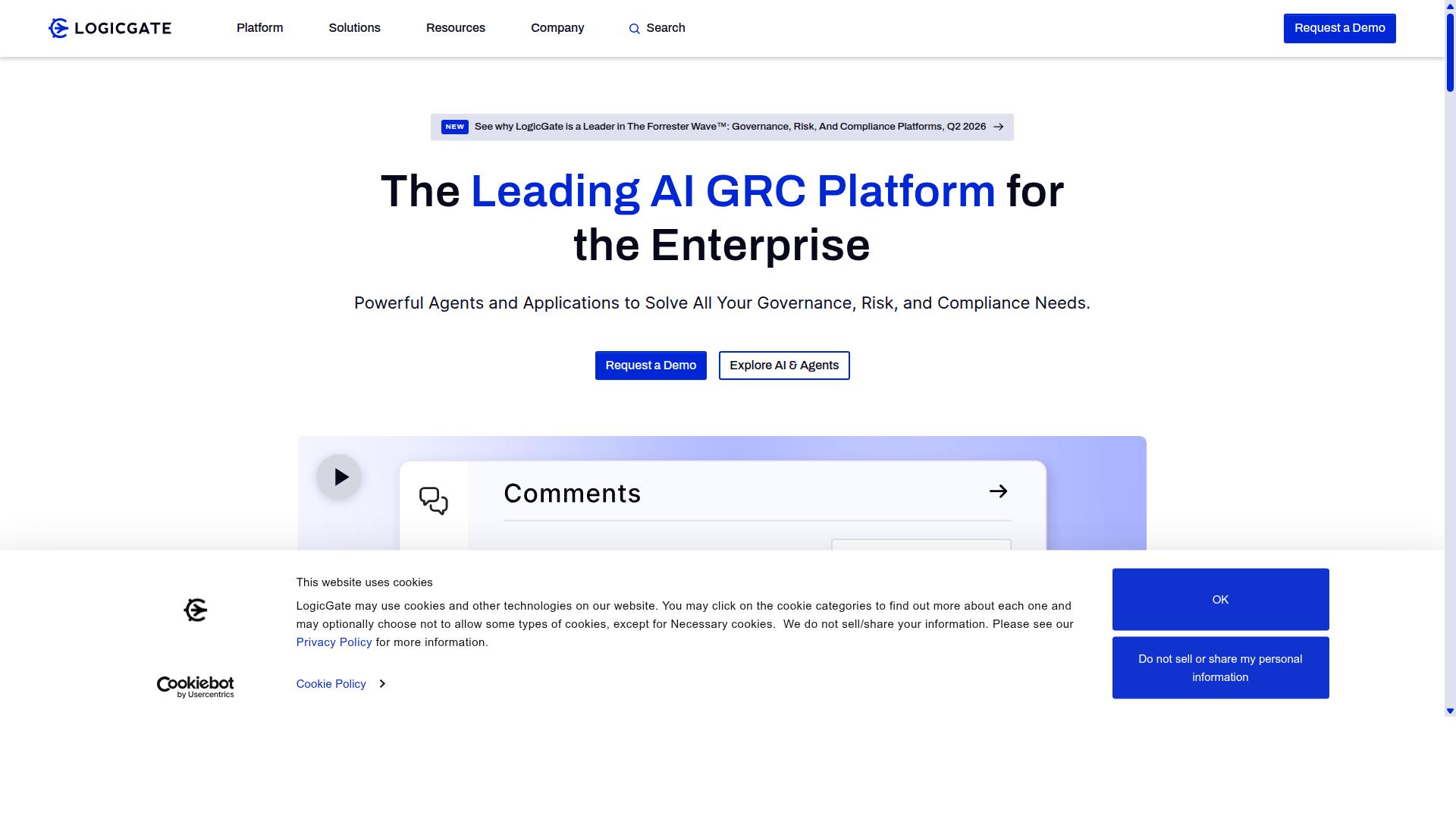
LogicGate centers on configurable risk workflows rather than general business-process automation. The platform focuses on risk management and compliance tasks. Organizations use it when they need structured risk assessments and audit trails.
The software provides drag-and-drop workflow design for building risk processes. It includes real-time dashboards and automated notifications. Users can connect it with existing systems through available integrations.
LogicGate supports customizable risk assessments and creates audit trails automatically. This setup works well for compliance-driven teams. It is less suited for general document control or non-compliance workflows.
Teams that need risk-register automation find the platform practical. It handles risk and compliance processes through its workflow engine. The system stays focused on those specific areas rather than broad task management.
7. Camunda
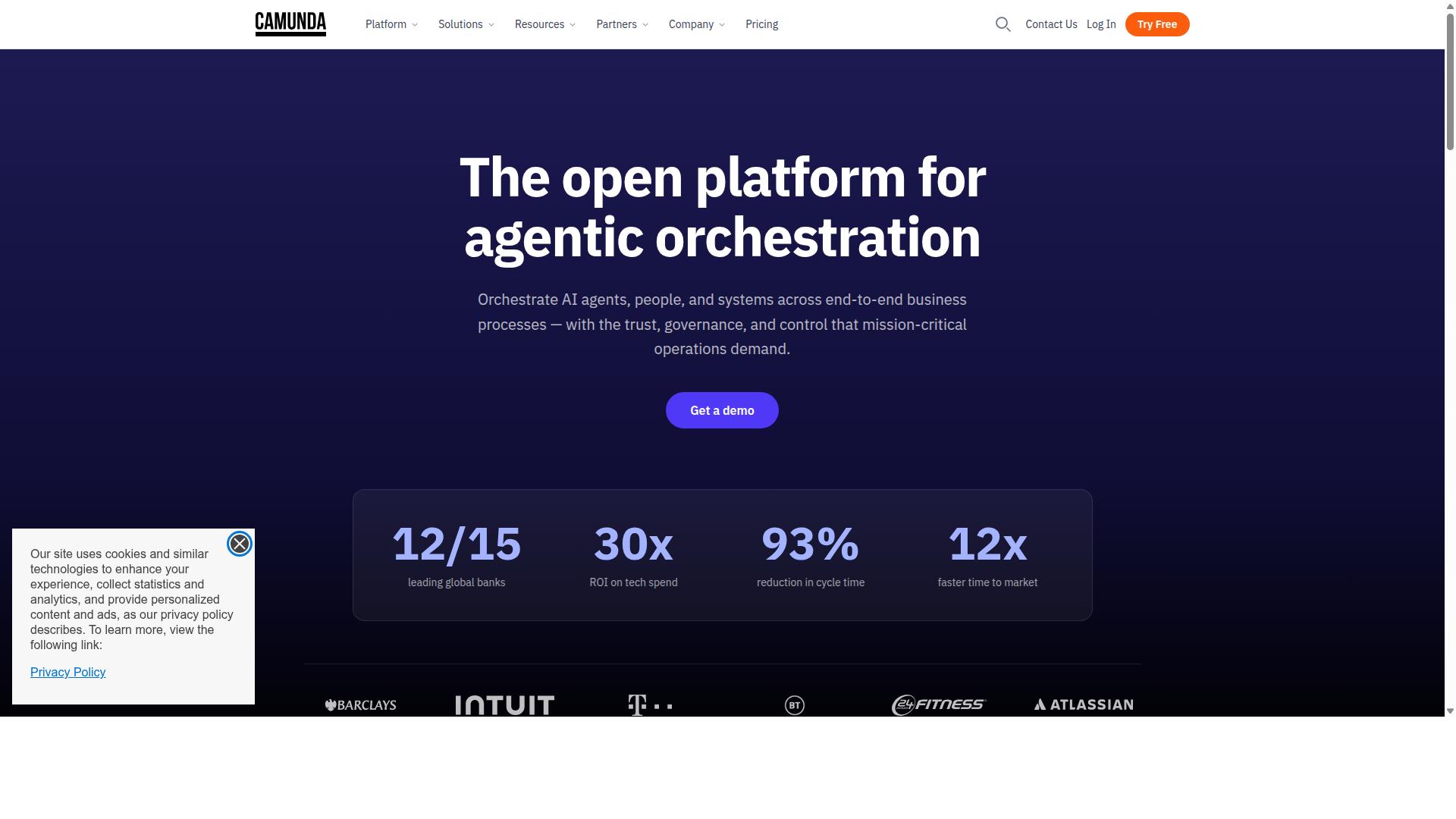
Camunda is an open-source BPMN engine suited for developers embedding workflow logic into custom applications. Organizations choose Camunda when they need a workflow engine they can run inside their own infrastructure. The platform coordinates people, systems, and devices to automate end-to-end business processes.
The self-hosted deployment model gives companies full control over where their data resides. Teams can install Camunda on their servers rather than relying on a cloud service. This approach appeals to organizations with strict security policies or legacy system requirements.
Developers extend Camunda through its Java-based architecture. Custom code can hook into process events, add business rules, or create connectors to other systems. The flexibility comes with a trade-off. Companies must maintain in-house development resources to build and support these customizations.
SaaS platforms shift the maintenance burden away from internal teams. With Camunda, IT staff handle updates, security patches, and scaling decisions. This model works well for organizations that already have strong technical teams and want to avoid vendor lock-in.
The open-source BPMN support lets teams model processes using standard notation. Process modelers create diagrams that developers implement in code. This separation keeps business logic visible while allowing technical implementation details to live in the application layer.
How to Choose the Right Option
Match platform capabilities to team size, compliance scope, and IT resources before making a final selection.
Small teams face different constraints than large enterprises. Startups need cost-effective solutions that scale without heavy infrastructure investments.
Financial services and healthcare organizations often require documented audit trails. Real estate and professional services teams prioritize client onboarding workflows.
| Team Size | Compliance Need | Infrastructure Preference | Recommended Platform |
|---|---|---|---|
| 10 people | Basic requirements | Cloud-hosted | Startup plan |
| Any size | SOC 2 or ISO audit | Cloud-hosted | Process Street or Diligent |
| IT-heavy teams | Variable | Self-hosted | Camunda |
Operations teams in manufacturing select platforms based on quality tracking needs. Technology companies focus on integration capabilities and customization depth.
Human resources departments in capital markets require employee onboarding workflows with document control features. Property management firms prioritize task management and approval workflows.
Process Street serves organizations across financial services, real estate, manufacturing, healthcare, professional services, technology, capital markets, and property management.
Customer management teams use case management features for client onboarding. Compliance teams rely on ISO compliance and quality tracking capabilities.
IT and security departments need reliable workflow automation that supports their existing security protocols. Finance teams require process monitoring for audit documentation.
Consider whether your organization needs BPM software with open source options or a SaaS platform with built-in compliance features.
Final Verdict
Process Street earns the top spot for teams that require both automation and verifiable compliance.
Organizations report 30% faster documentation through structured workflows and templates. This improvement helps teams maintain consistent processes across departments and locations.
The platform also delivers 75% reduction in setup time compared to traditional business process management solutions. IMCD UK measured this time saving across their implementation projects.
Security and compliance certifications include SOC 2 Type II and ISO 27001. These credentials address the audit requirements that many enterprises face when selecting workflow automation platforms.
Over 3,000 companies and 1 million users currently rely on the platform for their process automation needs. The service maintains a five-minute average response time with a 98% customer satisfaction rating.
Data handling follows strict standards with GDPR, CCPA, and HIPAA compliance available where required. Data never trains AI models, which protects customer information from unintended use.
Teams considering ProcessMaker alternatives can contact sales to discuss specific workflow requirements and compliance needs for their organization.
Recommended Resources: